MACHINE DISCONNECTED FROM PRODUCT LINK: YOUR NEXT STEPS
|
Technology
Machine Disconnected from Product Link? Here’s What to Do Next
When your machine disconnects from Product Link, it creates a loss of visibility into the data that keeps your operation running efficiently. Equipment data helps you plan jobs, schedule maintenance and avoid costly downtime. When that data stream goes quiet, decisions get harder and risks increase.
The good news? A Product Link disconnect is often quick to diagnose and resolve—especially when you act early. Here’s exactly what to do if one of your machines stops reporting.
Why Product Link Reporting Matters
Product Link gives you real-time insight into your equipment’s health and performance. When a machine disconnects from Product Link, you lose access to information that helps you:
- Monitor machine performance and utilization
- Track location and operating hours
- Stay ahead of maintenance needs
- Reduce unexpected downtime
- Make confident, data-driven fleet decisions
Even one non-reporting machine can create blind spots across your fleet. Restoring that connection brings your full operational picture back into focus.
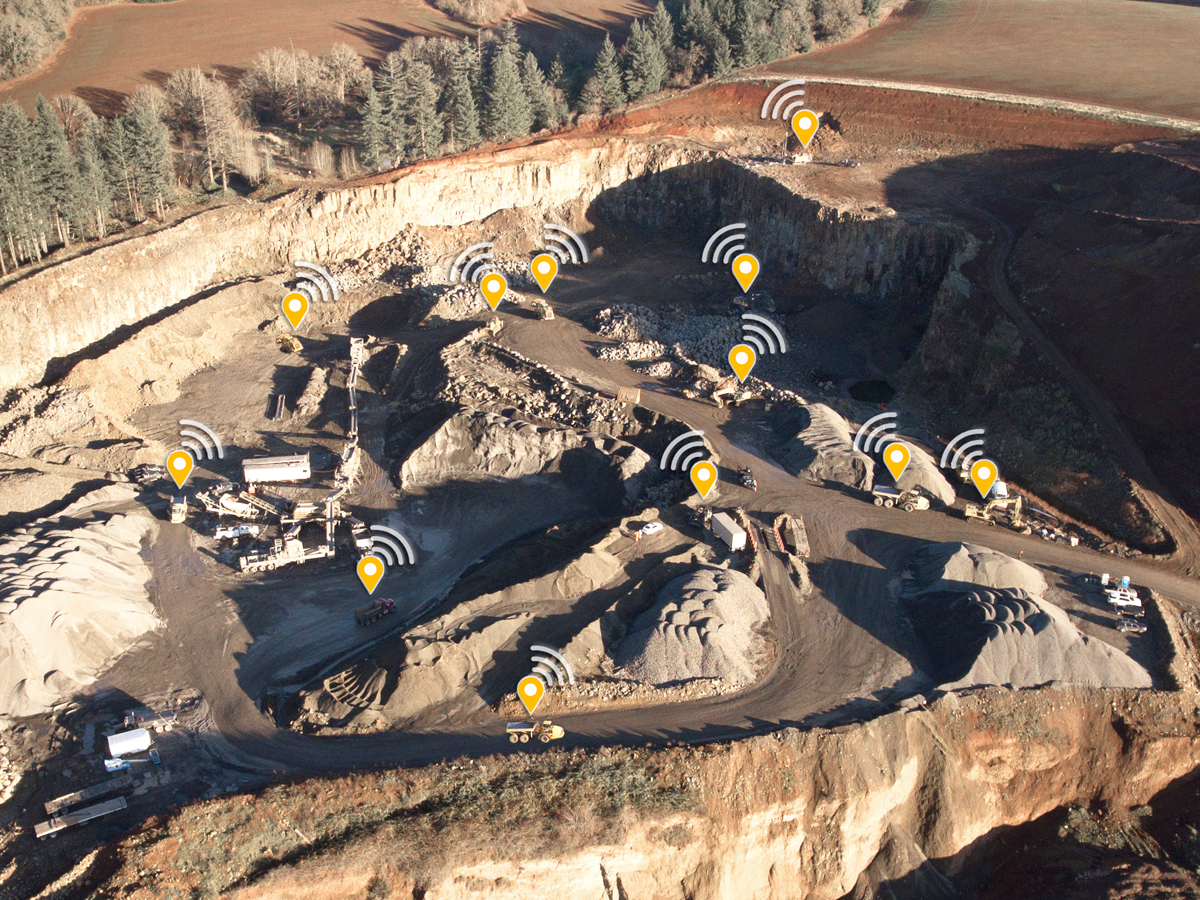
What to Do If Your Machine Disconnects From Product Link
If you notice a gap in reporting, don’t wait. The faster you address a machine disconnected from Product Link issue, the easier it is to fix.
Step 1: Reach Out as Soon as You Notice the Issue
As soon as a machine hasn’t checked in for a while, contact our team. Early outreach helps prevent small issues from turning into extended downtime.
Step 2: We Identify What’s Causing the Disconnection
Our specialists review the machine’s Product Link status to pinpoint the root cause. This could include:
- A hardware or device issue
- Configuration or setup changes
- Power or connectivity interruptions
By identifying the problem quickly, we eliminate guesswork and move straight to a solution.
Step 3: We Get Your Machine Reconnected
Once the issue is identified, we guide you through the next steps. That may involve simple troubleshooting, a settings adjustment, or scheduling a technician to restore communication and get your Product Link reporting again.
Step 4: We Monitor and Confirm Reporting
After your machine reconnects, we continue to monitor reporting to ensure the Product Link connection stays stable—so you can trust that your data is flowing consistently.
Why Acting Quickly Makes a Difference
Addressing a machine disconnected from Product Link early helps you:
- Minimize downtime
- Maintain accurate fleet insights
- Improve job planning and scheduling
- Strengthen maintenance and support conversations
- Keep operations predictable and efficient
Your data works hardest when every machine is reporting—and restoring that connection helps protect your productivity.
If Your Machine Is Disconnected From Product Link, We’re Ready to Help
Whether a machine stopped reporting today or you want help reviewing your fleet’s overall visibility, our team is here to support you. One quick call or message can put your machine back into a productive, data-generating state.
Your fleet runs better when every machine has a voice. If your machine is disconnected from Product Link, let’s get it back online and working for you.